How to Edit Your Domain DNS Zone Records
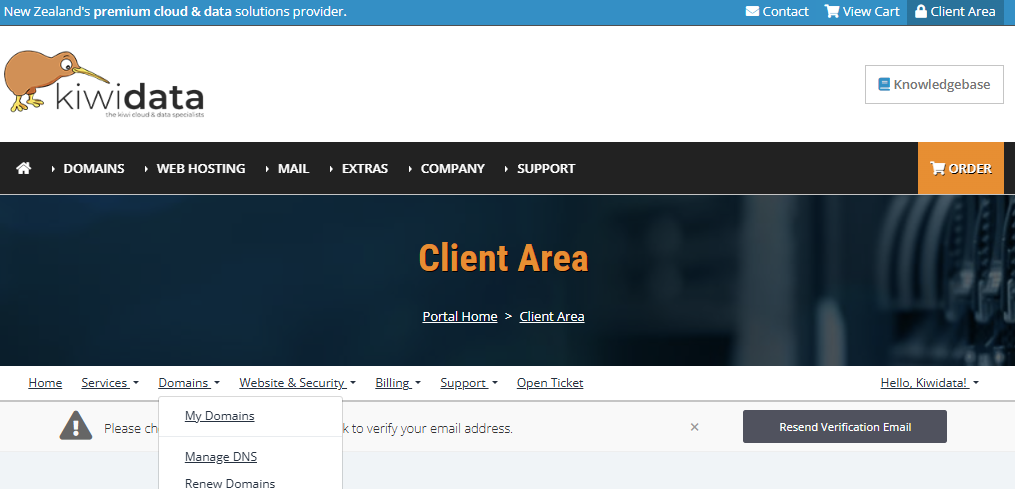
If you've purchased a domain and need to manage its DNS zone, you can log in to your client area and go to the Domains section, then click on Manage My DNS
By default, all domains registered with us use KiwiData name servers. If you’d like to point your domain to another platform such as Wix or Shopify, you can update your name servers using the instructions below.
Important: Changing your name servers may disrupt email and other services if not done correctly, especially if you're using our email hosting.
If you’ve also purchased hosting or email services from us and are using KiwiData name servers, your DNS records will be configured automatically.